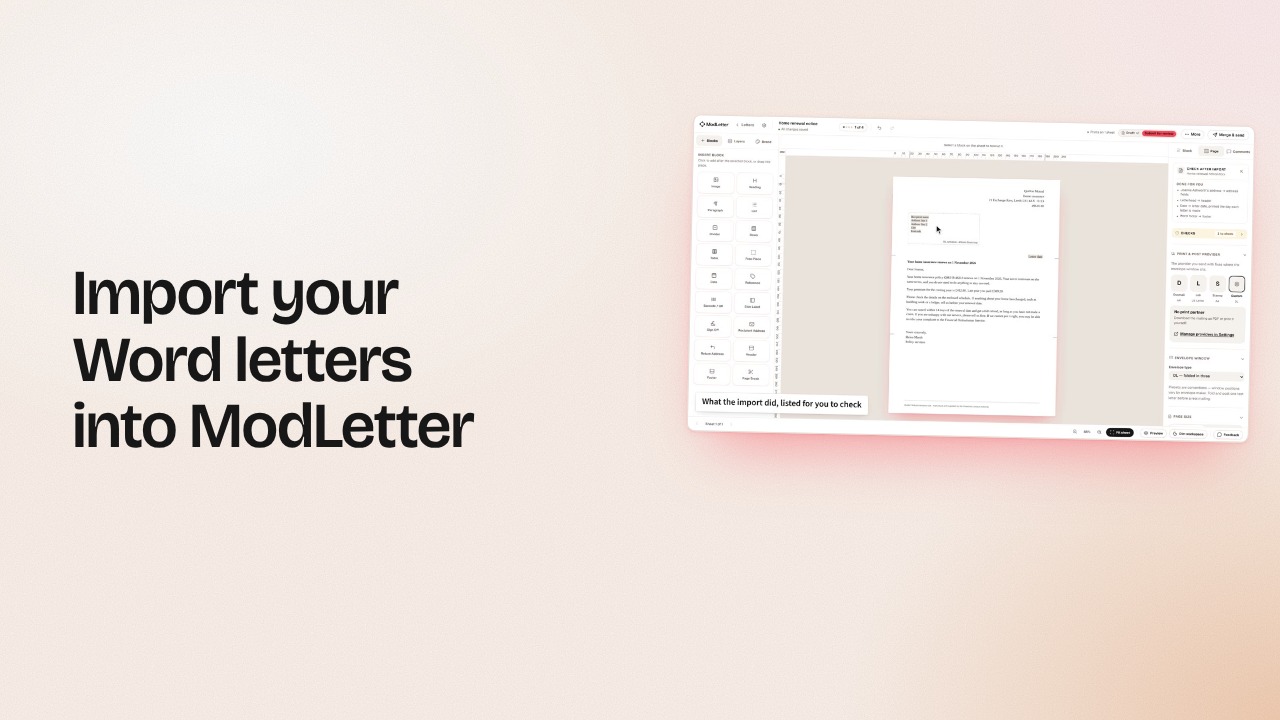
Drop a letter you already send
From Word: File › Save As › PDF
It never leaves your browser
Reading your letter…
For letters that have to be right
Lay out your letter on your mail house’s real sheet, fill it from one spreadsheet, and get every check and sign-off done before a sheet prints. Post through your own Docmail, Stannp, Pingen or Lob account.
15 minutes, on your own letters. Or start free: 3 saved letters and 20 letters a month, no card.
Insurance · Lending · Housing
Legal · Pensions · Health
Drop a letter you already send
From Word: File › Save As › PDF
It never leaves your browser
Reading your letter…
Write
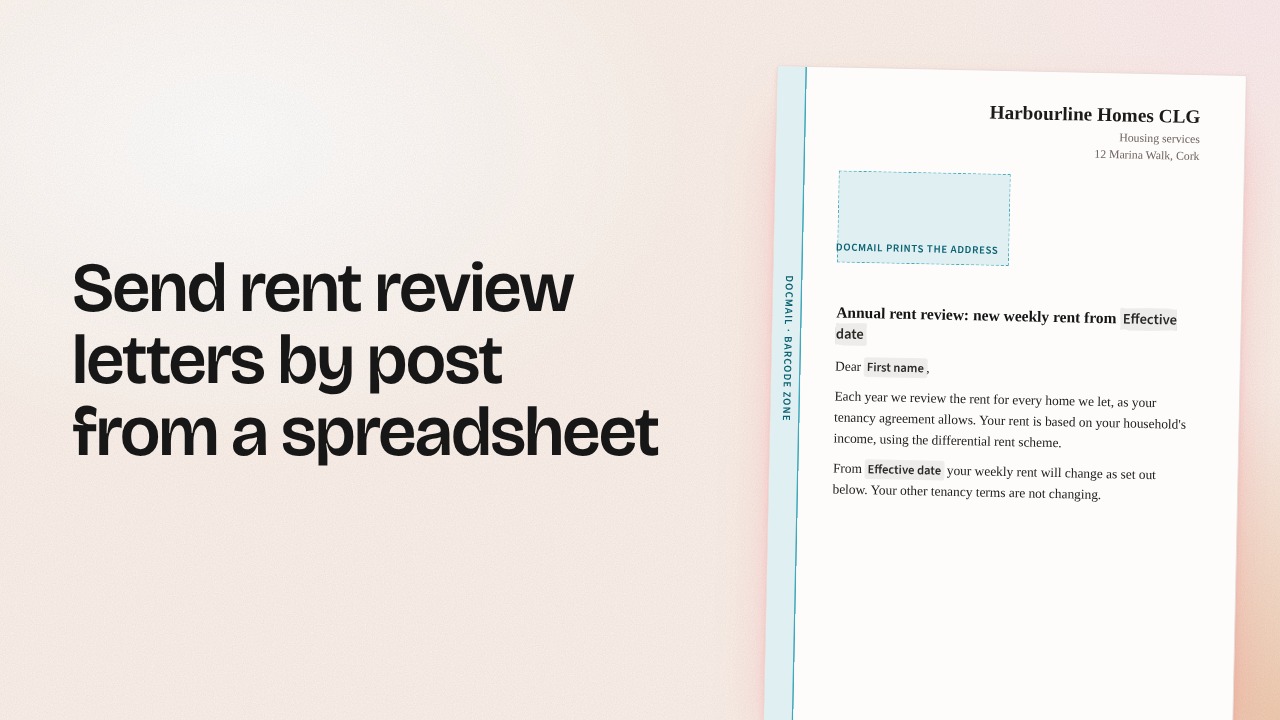
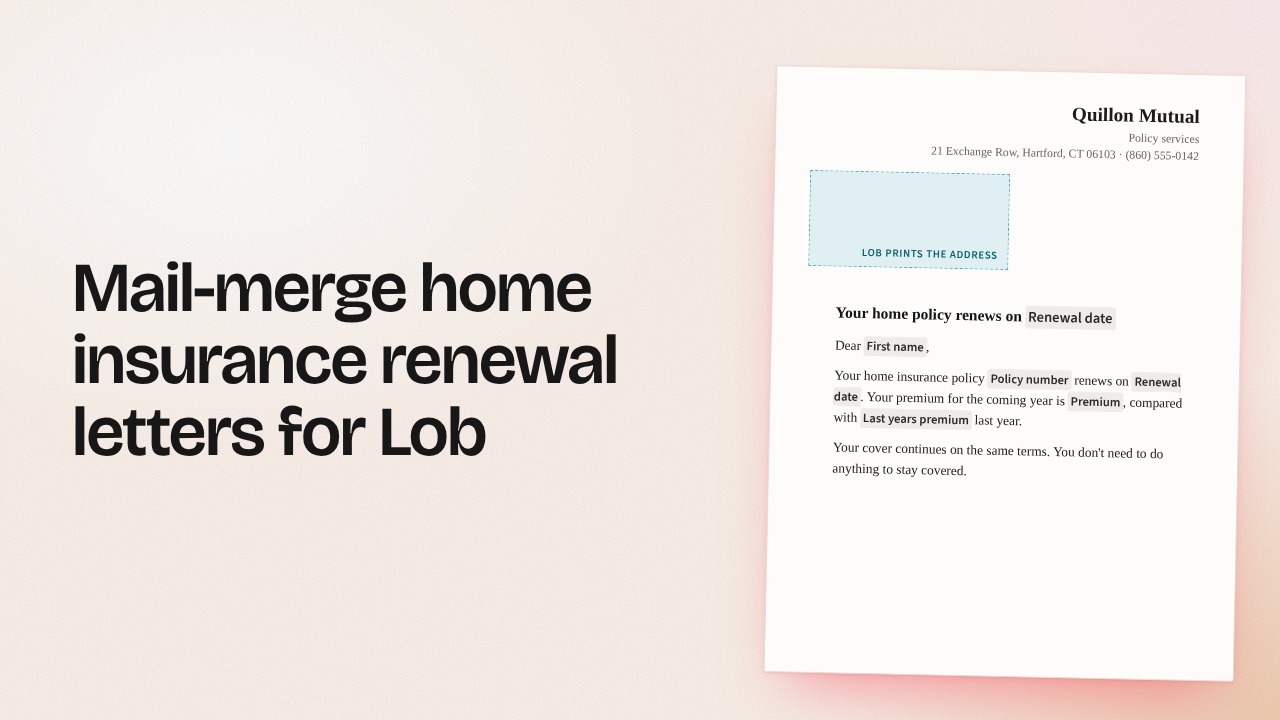
This is a real A4 page, not a picture of one — and so is the editor’s, measured against your printer’s own page as you type. Step through the recipients here to see what a file does to it; in the product that view arrives with your spreadsheet. Save each client’s colours and logo as a kit; changing the kit never touches an approved letter.
Merge
Move a field, or drop an unused one onto the letter
In the editor, type { and pick a field to add a merge field.
A4 · 210 × 297mm · Docmail
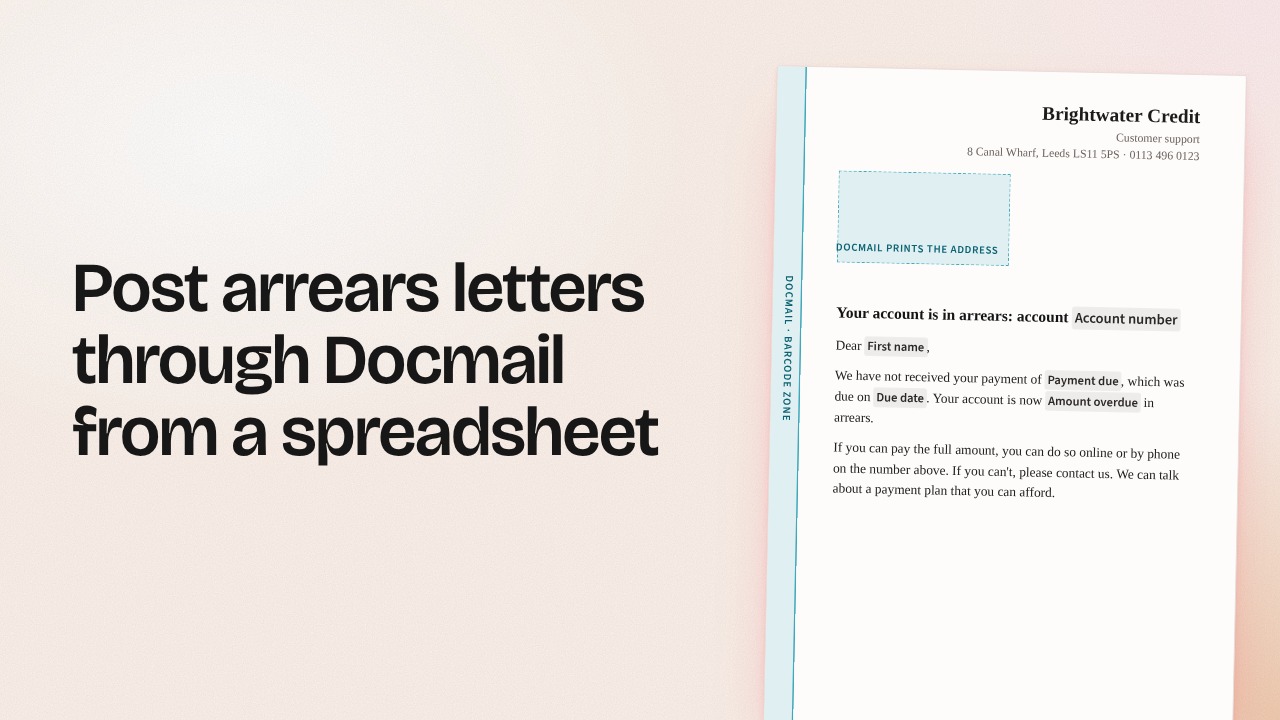
Address window 14.5 / 45.4mm · 70 × 40mm
Barcode column 13mm, every page
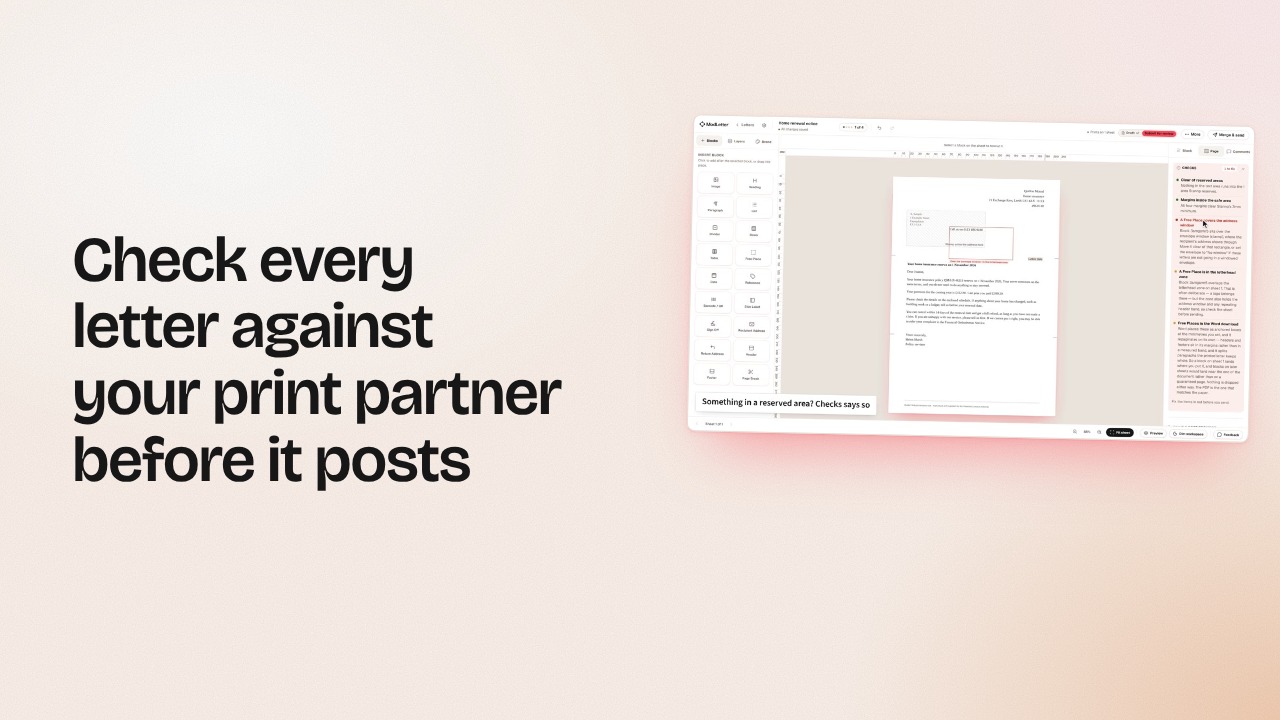
A typo you can see for yourself. These 4 you can’t, so each one is checked on every letter, every run, before anything prints.
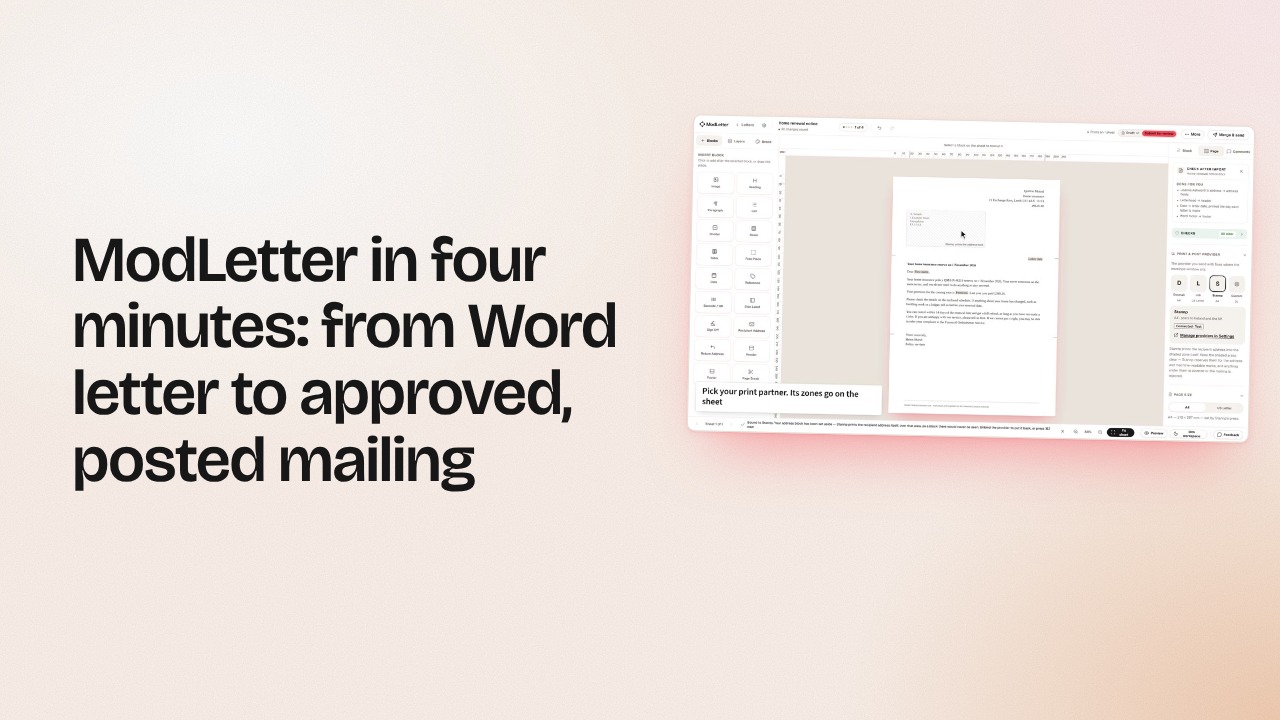
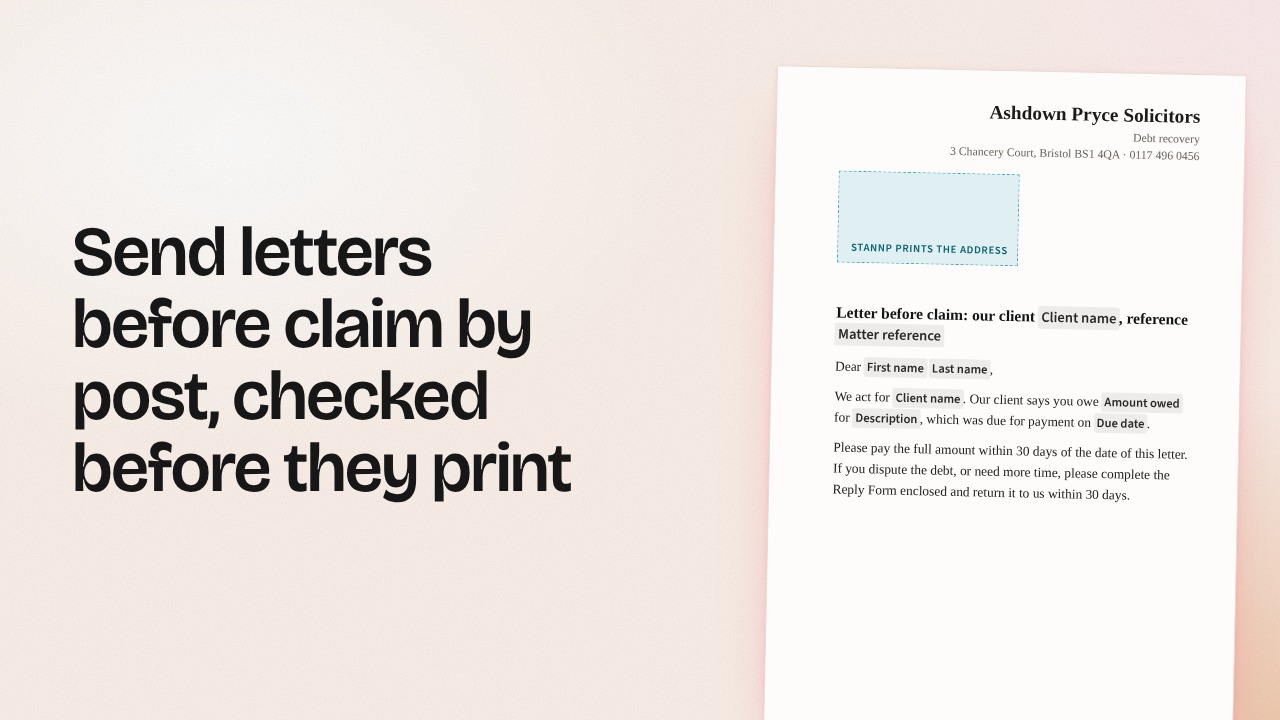
Every partner reserves a rectangle for the address it prints itself. You see that rectangle on the canvas for each partner and keep your design clear of it, so what you designed is what arrives.
Docmail claims a 13mm column down the left of every page; Lob claims a serial block at the foot of page 1. Neither shows in a normal proof — both are drawn on your canvas here, before you commit.
Content is measured against the real printable area as you write, so the sheet count you quote is the sheet count you pay for — at 3,000 recipients that is worth knowing before the run, not after.
Cleared spreadsheet rows save as empty commas and read as recipients. They are dropped before they are counted, quoted or built, so the number you approve is the number that goes out.
Review
1 link. Whoever opens it sees the real PDF, gives a name, and comments on a block or on the whole letter. No account, no seat, no software. You resolve what is dealt with from the editor; the comments stay with the letter after the link expires.
Riverside Medical · Cervical Screening Team
Your cervical screening is now due
Dear Aoife,
Our records show that your cervical screening is now 4 months overdue. The test takes about ten minutes and can be booked at the surgery, or with any participating GP in the national programme.
If you have already been screened elsewhere, let us know and we will update your record.
Yours sincerely,
Dr Niamh Foley
Commenting as Dr N. Foley · no account, kept in this browser only
No comments yet. Pick a block above — or the whole letter — and say what you think.
Send
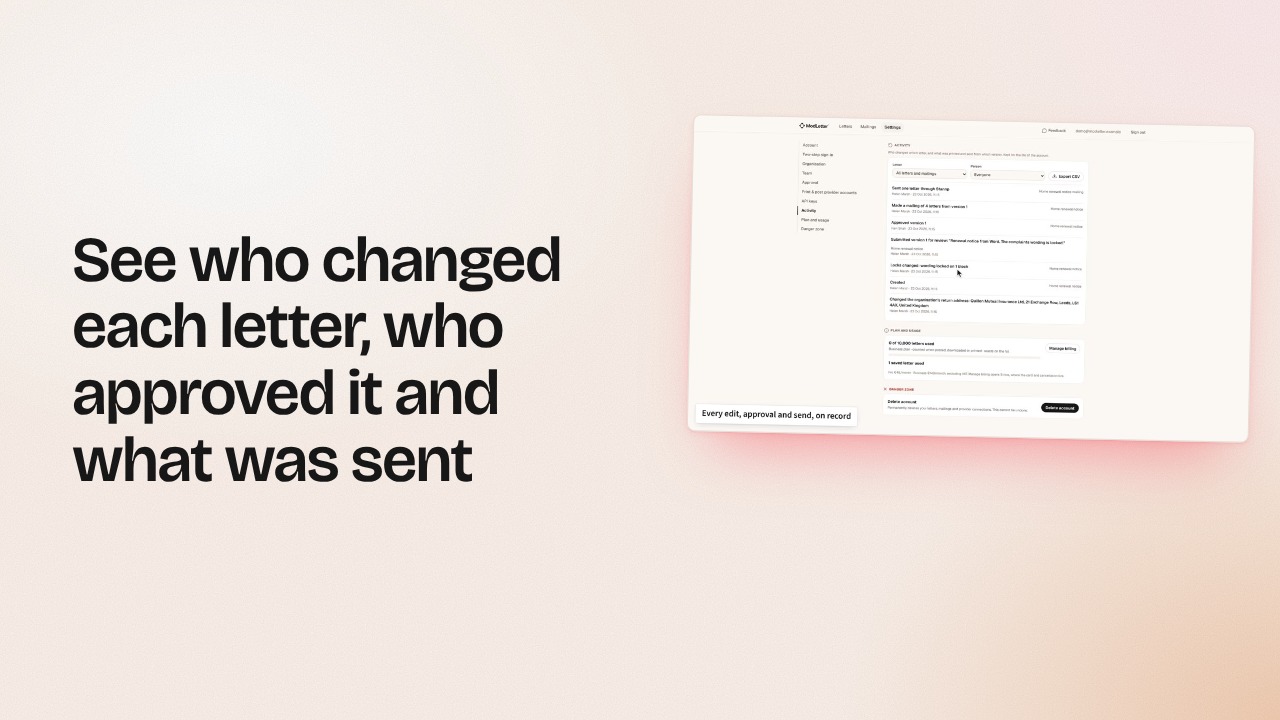
1 line per letter, with the partner’s own reference against it. Anything that didn’t go is named with the reason — and 1 click sends just those.
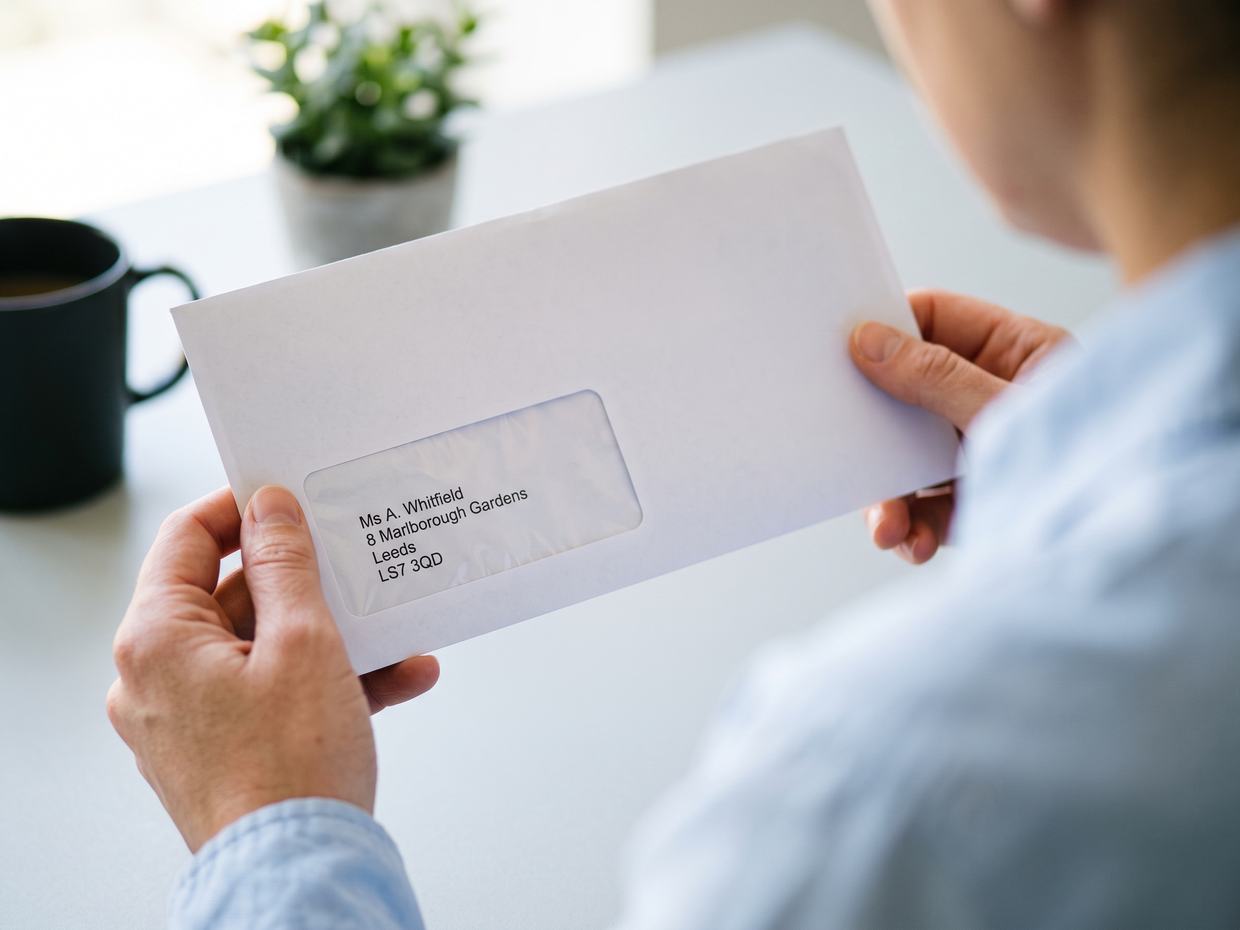
494 of 500 posted through Docmail. 6 named, with a reason.
| Recipient | Status | What happened |
|---|---|---|
| Elaine Whitfield | Sent | 18 Sep, 09:14 · Docmail id 8841207 |
| Tomasz Bąk | Sent | 18 Sep, 09:14 · Docmail id 8841208 |
| Priya Nair | Failed | Postcode missing. Partner rejected the address after 3 attempts. |
| Adaeze Okafor | Sent | 18 Sep, 09:15 · Docmail id 8841210 |
| Marta Kowalska | Not sent | Run stopped before this letter was claimed. |
| Sean Ó Riain | Sent | 18 Sep, 09:15 · Docmail id 8841212 |
Now on Pro A unique QR on every letter, so a run can tell you how many people acted on it. We record the code and the time — never a location, a device or a cookie. How that data is handled
Pricing
Every plan makes the same print-ready letter, through the mail house you already use.
No card needed.
Everything in Starter, plus:
Everything in Pro, plus:
Every plan keeps a history of who changed what, and when. On Business, extra seats are €29 a month each. Prices exclude VAT; it is added at checkout where it applies. Posting more than 10,000 letters a month? Tell us what the run looks like and we will price it. Postage is separate: you pay your print partner directly, at your own rate, and we never mark it up. Recipient data is stored in the EU and removed 30 days after a mailing is made; the record that the mailing happened stays.
FAQ
Short answers, no small print.
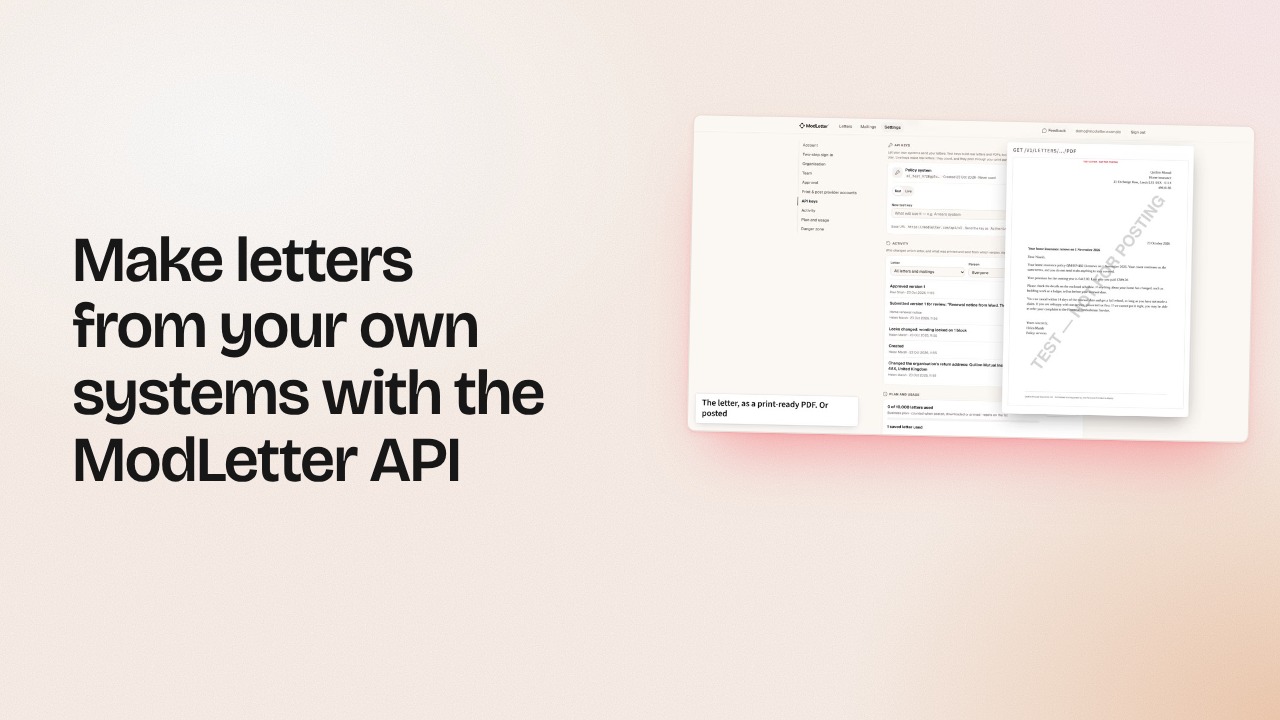
A web-based letter editor for organisations whose letters have to be right. You lay out your letter on your print partner’s real sheet, merge a CSV of recipients and run checks before anything prints. Then export a print-ready PDF, Word or HTML file, or post it through your own Docmail, Stannp, Pingen or Lob account. We never print or post letters ourselves.
Your print partner does. You post each letter through your own Docmail, Stannp, Pingen or Lob account from ModLetter, or export a print-ready PDF, Word or HTML file for your own printer.
In the EU, on Hetzner in Germany, with encrypted backups. You are the controller of names and addresses you upload; we process them only to produce your letters. Recipient content in a mailing is removed 30 days after the mailing is made; a stub of the mailing remains.
Yes. That is the point. Export the format they already ask for and keep the supplier you already trust.
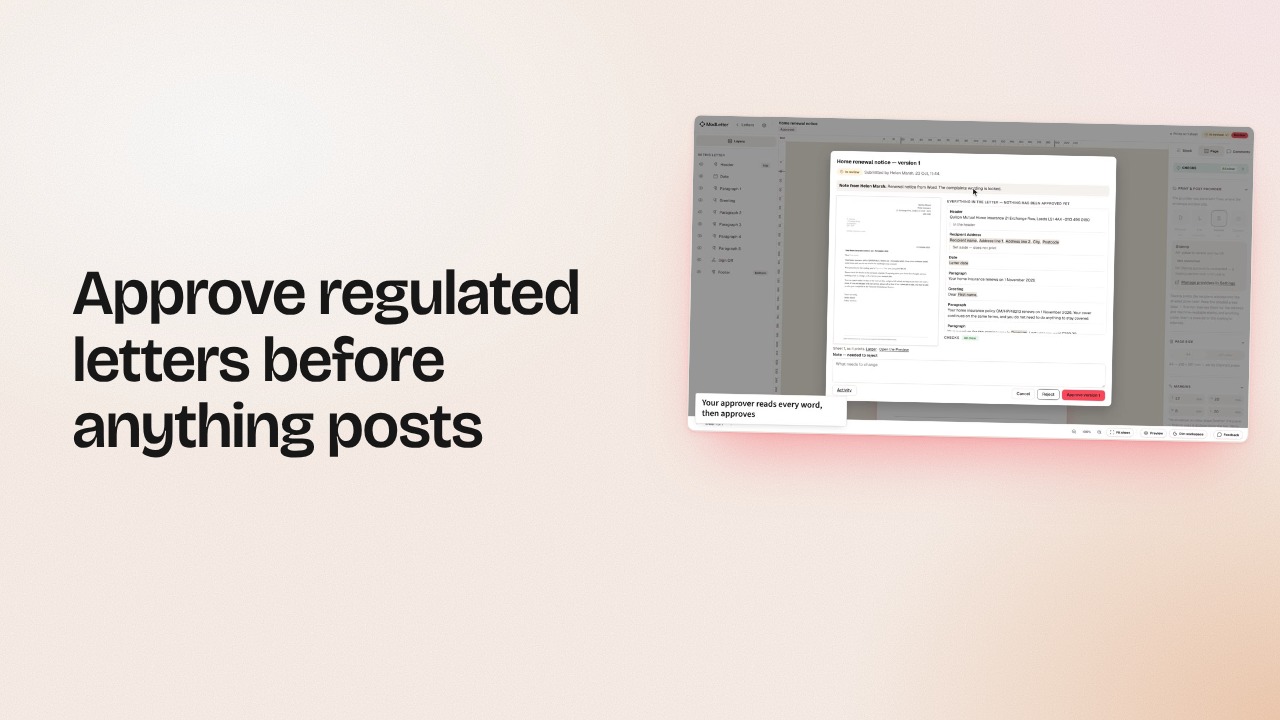
Keep your CRM and export the list from it. In ModLetter you lay the letter out on your print partner’s real sheet, and every letter is checked against its address window and reserved areas before it posts through your own Docmail, Stannp, Pingen or Lob account. On Business, the wording compliance signed off can be locked, and a second person signs off each version.
Starter is free (3 saved letters, 20 letters a month). Pro is €49 a month. Business is €149 a month. Billing is in euro.
Docmail and Stannp, which post to Ireland and the UK on A4; Pingen, which posts to Europe and worldwide on A4; and Lob, which posts to the US on US Letter. You connect your own account with the partner and pay them directly, at your own rate; we never mark it up. Or export the file for any printer you like.
In millimetres from the top-left of the trimmed sheet, measured from each partner’s own artwork template. Docmail (A4): a 70 × 40 window, 14.5 from the left and 45.4 from the top, and a 13 mm barcode column down the left of every sheet. Stannp (A4, printed with 3 mm bleed): a 99 × 45.5 window, 18 from the left and 41.5 from the top. Pingen (A4, left window): an 89.5 × 47.5 window, 20 from the left and 40 from the top, all of it kept clear for the address and postage, and a 15 mm corner at the foot of every sheet, on the left; the right window and La Poste’s layout for French accounts are a click away. Lob (US Letter): an 80 × 50.8 window, 15.2 from the left and 21.3 from the top, and a 12.7 × 55.2 serial zone at the foot of sheet 1, on the left. Docmail, Stannp and Lob print the recipient’s address in that window themselves; on a Pingen letter it is printed for Pingen to read; you see every one of these zones on your canvas as you write.
Something else? hello@modletter.com
Your next mail run
Write it once, drop in the file, check the page against your printer’s own page — and every one of them is right before a single sheet is claimed.
15 minutes, on your own letters. Or start free: 3 saved letters and 20 letters a month, no card.